CloneUI
CloneUI transforms screenshots, URLs, or Figma designs into production-ready code across multiple frameworks. Get React, Vue, or Next.js code from any website in seconds with over 80% accuracy.
What is CloneUI?
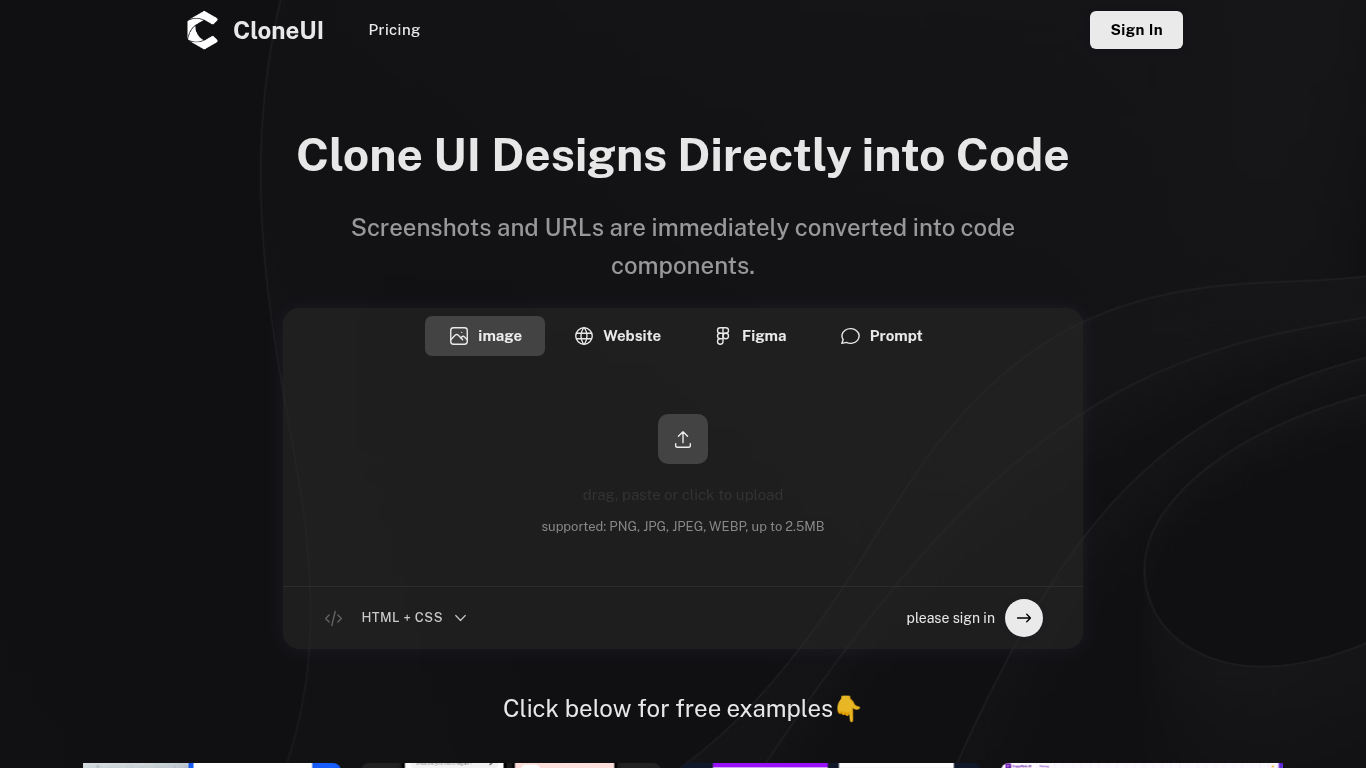
CloneUI is an AI-powered design-to-code platform that automatically converts visual inputs into clean, production-ready code. Whether you're starting with a website screenshot, a live URL, a Figma design, or even a natural language description, CloneUI analyzes the interface and generates complete code in your preferred framework. This revolutionary approach dramatically reduces the time developers spend on UI implementation.
The platform serves the growing need for faster web development without sacrificing code quality. Traditional design-to-code workflows involve painstaking manual translation of designs into HTML, CSS, and JavaScript—a time-consuming process prone to inconsistencies. CloneUI automates this translation intelligently, recognizing UI patterns and applying best practices to generate clean, maintainable code.
Core Capabilities
Multiple Input Methods
CloneUI accepts various input types to fit different workflows. Upload a screenshot of any website and the AI reverse-engineers it into code. Paste a URL and CloneUI automatically scrapes and replicates the design. Import Figma files directly for pixel-perfect code conversion. Even describe your desired interface in plain English and watch the AI build it from scratch.
This input flexibility makes CloneUI valuable at every stage of development—from quick prototyping with screenshots to polished production builds from Figma designs. Developers can choose whichever input method matches their current needs and available resources. The AI handles all input types with sophisticated computer vision and natural language processing.
Framework Versatility
The platform supports major frontend frameworks including React, Vue.js, HTML/CSS, Next.js, and Nuxt.js. Developers can export the same design in multiple frameworks, enabling consistent UI across different technology stacks. This feature is particularly valuable for teams maintaining multiple projects or considering framework migrations.
Generated code follows framework-specific best practices and conventions, ensuring compatibility with existing codebases. React code uses functional components and hooks, Next.js code leverages server components where appropriate, and Vue code follows composition API patterns. This attention to framework nuances means generated code integrates smoothly rather than requiring extensive refactoring.
Intelligent Code Generation
Component Recognition and Structure
CloneUI's AI automatically identifies distinct UI components—headers, navigation menus, cards, forms, footers—and generates them as separate, reusable code modules. This modular approach reflects modern frontend development practices, making the codebase easier to maintain and modify. Components are properly structured with clear separation of concerns.
The system recognizes common UI patterns like carousels, modals, dropdowns, and accordions, implementing them with appropriate interactivity. It understands semantic HTML, using proper heading hierarchies, list structures, and accessibility attributes. The resulting code isn't just visually accurate—it's semantically correct and maintainable. Much like how our Regex Tester helps developers understand code patterns, CloneUI helps understand and replicate UI patterns.
Responsive Design
All generated code is mobile-responsive by default, adapting layouts for different screen sizes using modern CSS techniques. CloneUI analyzes the original design's responsive behavior when possible, or applies intelligentAdaptive design patterns for static inputs. Breakpoints are configured appropriately for common device categories.
The responsive code uses flexible grid systems, relative units, and media queries that ensure interfaces look great on everything from smartphones to wide desktop monitors. This mobile-first approach reflects current web standards and saves developers significant time they would otherwise spend manually implementing responsive behavior.
Use Cases Across Roles
For Developers
Frontend developers use CloneUI to jumpstart projects by quickly generating boilerplate UI code from designs. This eliminates hours of initial setup and lets them focus on business logic and complex interactions. The tool is especially valuable when inheriting designs from external designers or design tools.
Fullstack developers appreciate being able to rapidly prototype frontend interfaces without getting bogged down in CSS details. They can generate a working UI, plug in backend data, and iterate from there. The tool reduces context-switching between design and development modes, keeping developers in their productive flow.
For Designers and Product Teams
Designers can validate their Figma designs by seeing them as actual code and testing interactive behavior in browsers. This helps catch design issues early before extensive development work begins. Product managers use CloneUI to create functional prototypes from wireframes or competitor screenshots for user testing and stakeholder presentations.
The platform facilitates better designer-developer collaboration by providing a common reference point—working code that both parties can review and discuss. Designers gain understanding of development constraints, while developers better appreciate design intentions. This shared understanding reduces miscommunication and revision cycles.
Technical Performance
CloneUI boasts an impressive 80%+ restoration rate, meaning it accurately replicates over 80% of visual elements from source designs. While some manual refinement may be needed for complex interactions or unique components, the bulk of UI work is automated. This accuracy comes from AI models trained on millions of web interfaces and design patterns.
The platform includes an online preview editor where users can review generated code, make adjustments, and see changes in real-time before downloading. This integrated workflow keeps everything in one place—from initial input to final code export. Generated code is clean and commented, making it easy to understand and modify.
Pricing and Value Proposition
As a paid tool, CloneUI targets professional developers and teams for whom time savings justify the subscription cost. The platform eliminates dozens of hours on typical projects, making the investment worthwhile for anyone regularly building UIs. Enterprise plans offer team collaboration features, priority support, and higher usage limits.
The value extends beyond time savings—CloneUI helps teams deliver faster, maintain consistency across projects, and reduce the skill gap between junior and senior developers. Junior developers can generate professional-quality code structure, while seniors focus on architecture and optimization. This democratization of frontend development accelerates overall team velocity.
Related Products
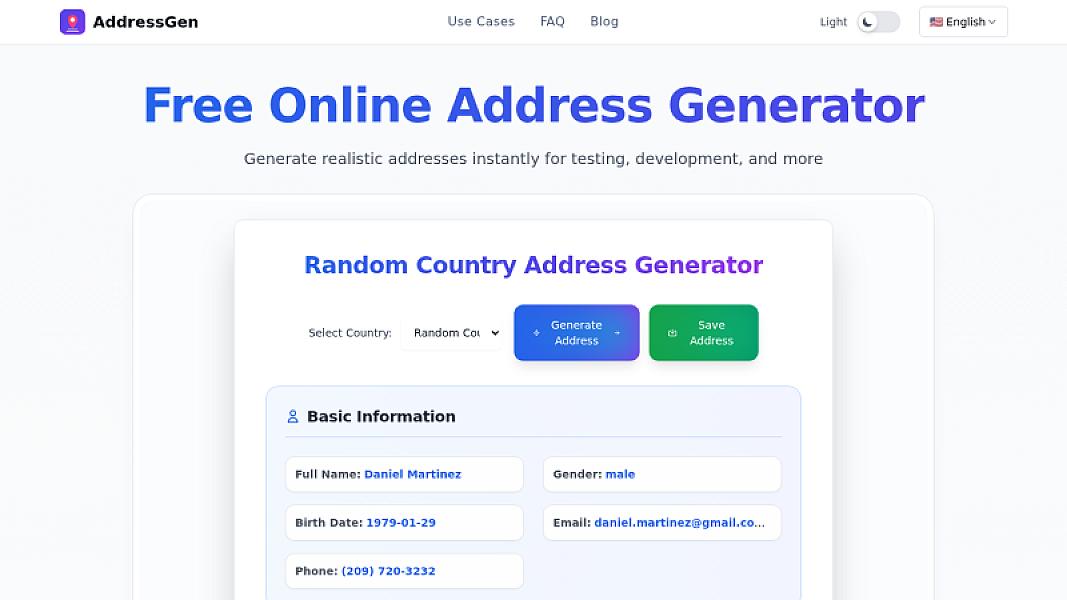
Generate Realistic Fake Addresses for Testing and Development
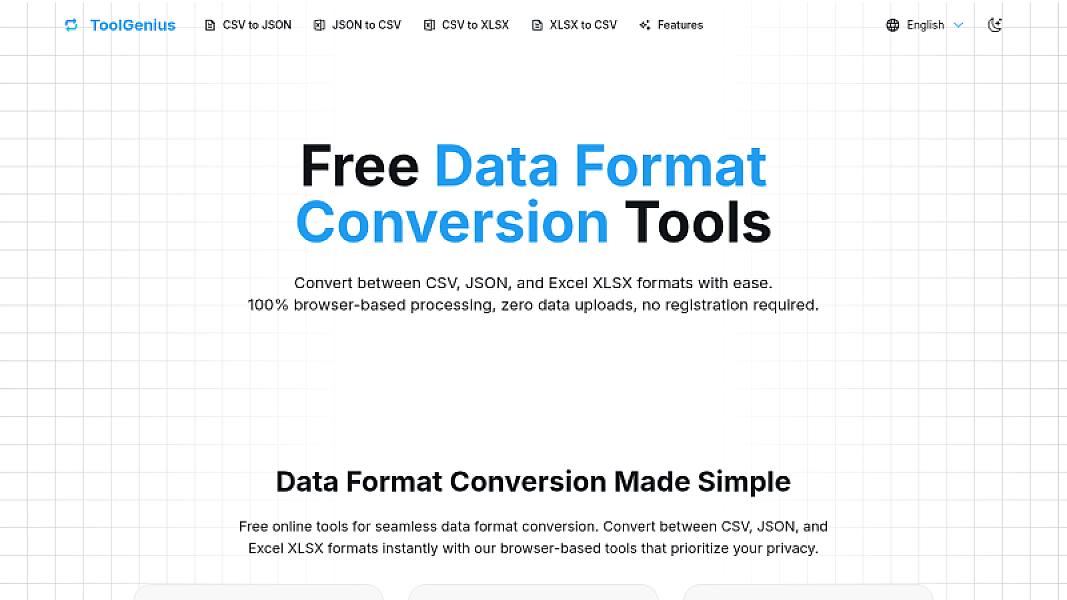
Online Data Format Conversion Tools - CSV, JSON, XLSX and More
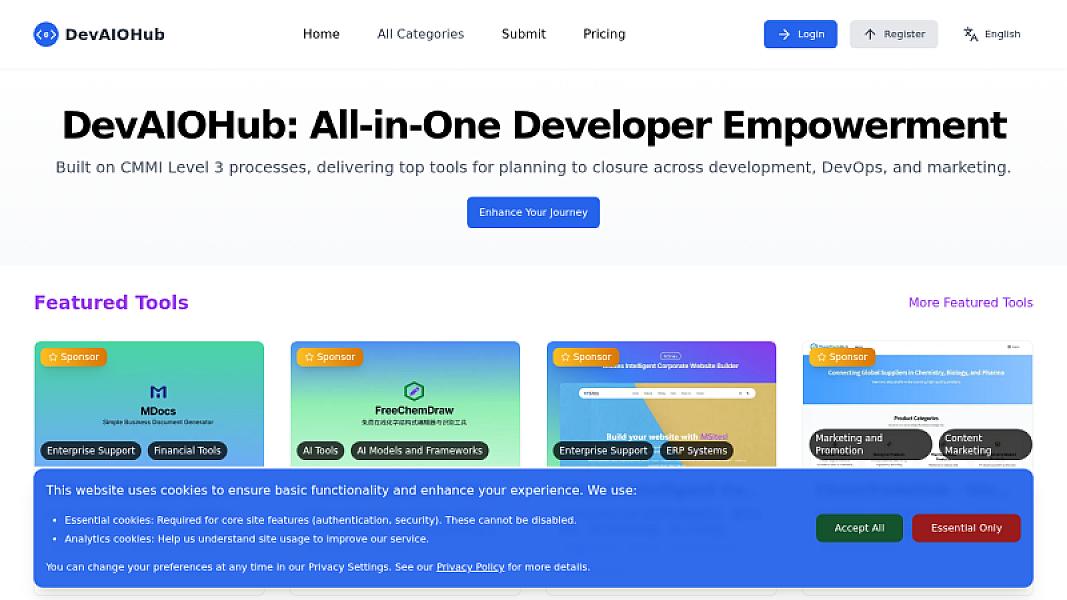
All-in-One Developer Tools Directory - CMMI-Inspired Development Resource Hub
Get Updated With The Latest Updates
Discover, use, and share the best tools for creators, developers, and entrepreneurs